
Maps
Fernshade Vale is the first place built to the finished quality bar: a forest road, a Packlaw waystation behind a palisade, a river crossing and an old stone ring. The world explorer is the earlier layout tool for the whole world: flat colours and simple shapes, but every region, road and building in place, including Rootspire, a city grown into a single tree.
Down through the conifers to the arrival road, along it to the wolf-head gate of the palisade, and up over the gate into Shalewater Crossing.
Round the court: lit lodge windows, chimney smoke, the campfire, the smith at his anvil and the townsfolk, then east over the palisade and low along the road to the bridge.
Up the Shalewater river, west over the trees to the Mossring ruin and its braziers, where the Thornback Boar patrols, then up and back over the whole vale.
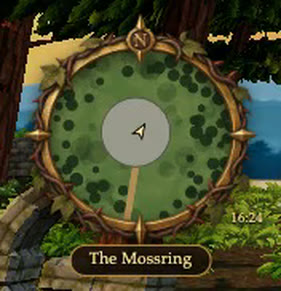
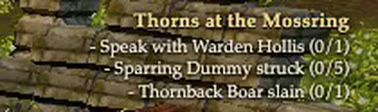
Walking in from the gate with the interface on: the zone title, the minimap, the quest tracker updating when Warden Hollis speaks, and a wave and a cheer by the fire.
The whole continent in the world explorer's layout view, from the southern marshes north over the heartland to the Crown Mountains.
The tree city at the heart of the world: 1,900 buildings in twelve districts on the roots, the trunk and eighteen boughs, with its residents.
A walk at street height through one district, steered with real keyboard and mouse input.
Characters
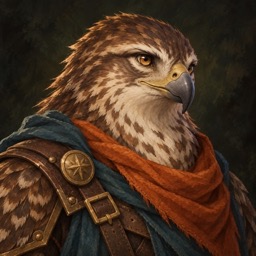
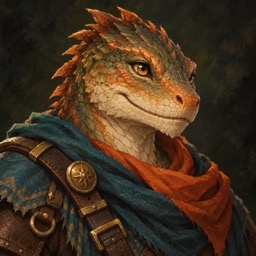
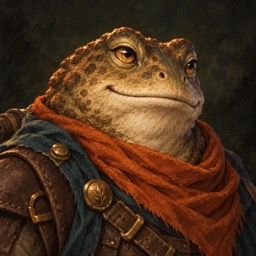
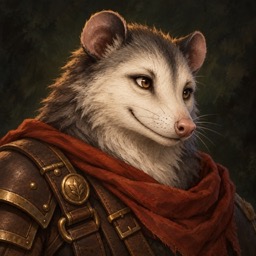
Fifteen playable races in three factions, each built on one shared card body with its own sculpt, fur, markings and class kit. Every class carries its own weapon, and the weapon decides how the body fights.
One full turn of every race on the painted dais of the character select screen, each shown in one of the classes it may follow.
Choosing a hero: races grouped by faction with painted portraits, the class card with its canonical text, fur variants, and the dais.
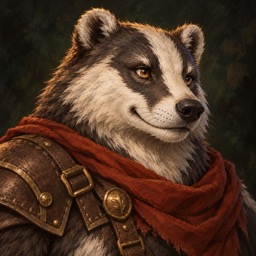
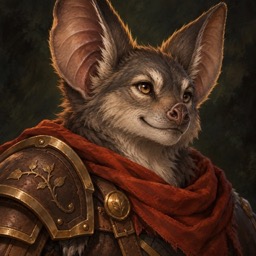
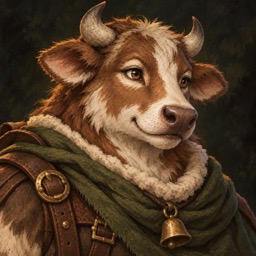
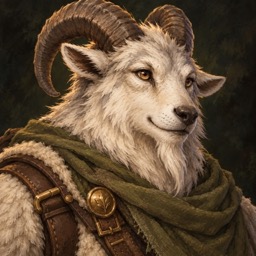
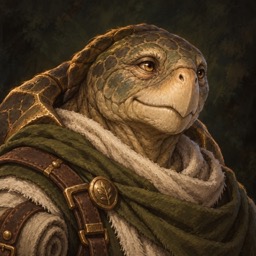
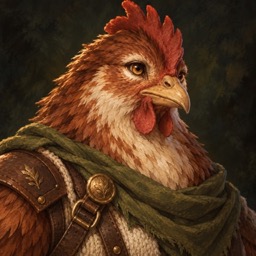
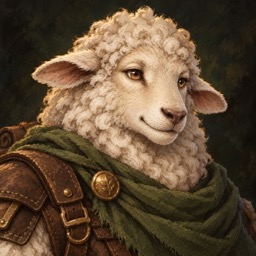
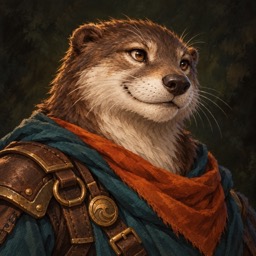
The portrait set
Painted portraits for every race, used on the select screen and in the unit frames.
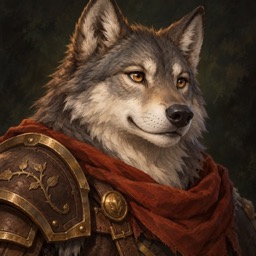
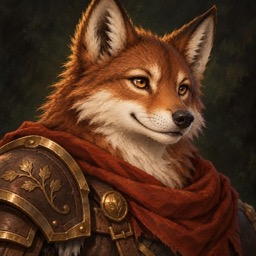
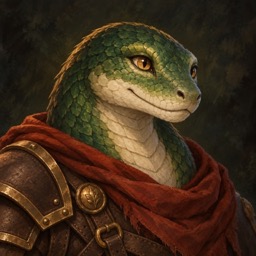
Abilities and animation
Timing follows a study of classic MMO animation: a run cycle of about 0.6 s with a lean and a flight phase, and a swing built from a wind-up, a snap under 0.2 s, a held hit frame and a recovery. Damage, sparks and sound land on the frame the blow connects.
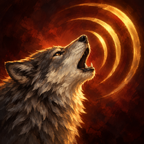
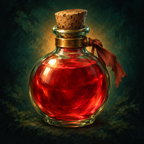
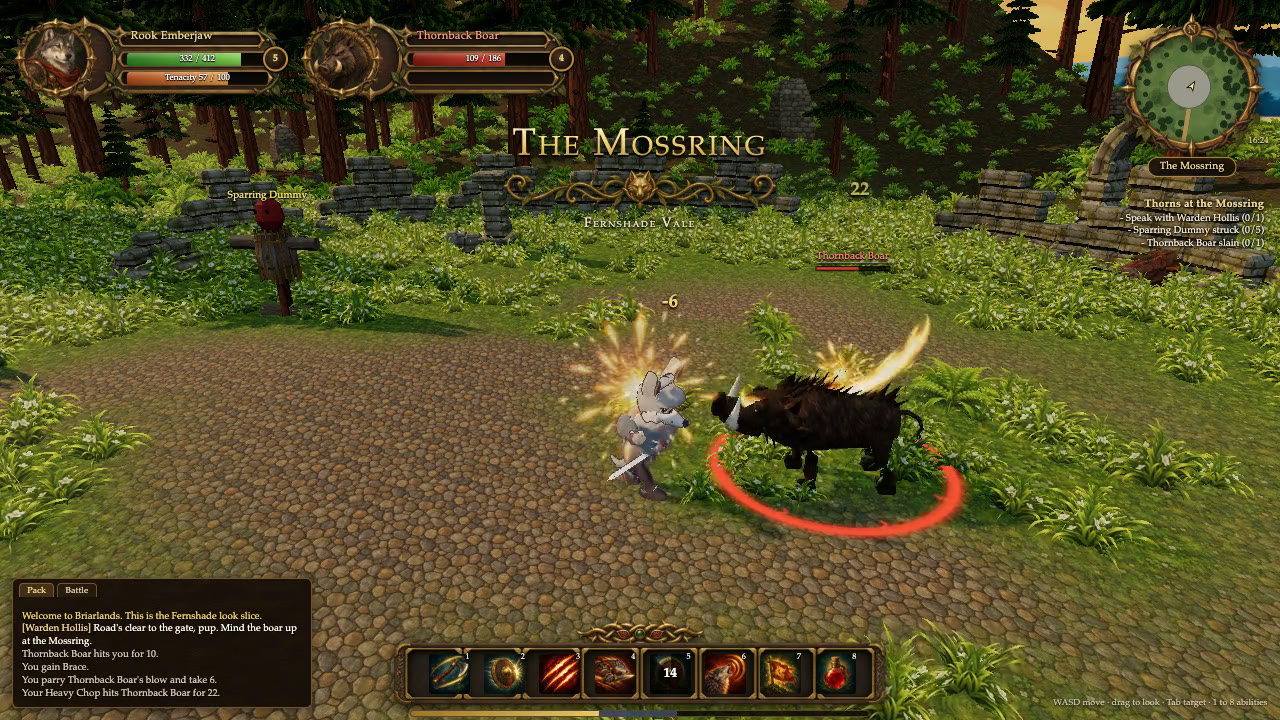
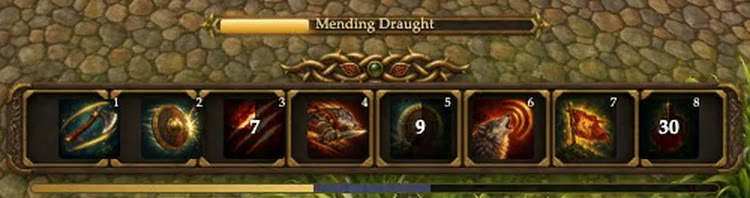
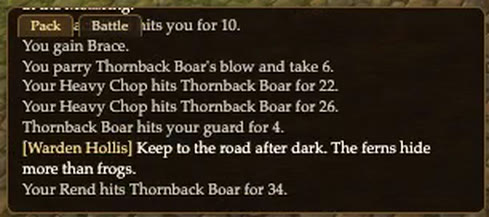
Brace raises a shimmer, so the boar's gores meet a block and then a parry. Heavy Chop alternates the greatsword's two attacks, Rend rakes claws, the Mending Draught fills the cast bar, Shield Bash staggers the boar, Lunge dashes back in, and Howl and Hold the Line send out shockwaves before the boar falls.
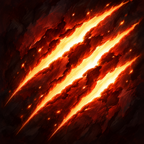
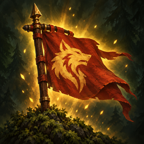
The Wolf action bar
Painted ability icons in their slots, keys 1 to 8.
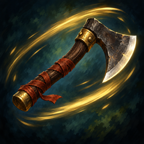
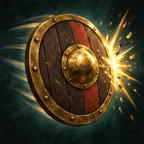
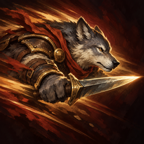

Nine families, each with its own stance, two attacks and a parry: two-handed, weapon and shield, one-handed, polearm, bow, dual blades, staff, focus and unarmed.
Dodge, the lunge dash, block, a hit flinch layered over the stance, the stun daze, and death.
Wave, bow, cheer, laugh, point, sit, kneel, talk and dance, each on a different race.
A Wolf, a Cow, a Chicken and a Turtle on the arrival road at the game's real speeds: a walk at 3.4 m/s, then a run at 7 m/s with its lean and flight phase.
Creatures
The Thornback Boar is the first authored creature: modelled, rigged and keyed by scripts in Blender, then played in the game through its own clips.
Every clip in its model, on the east road: the idle with its head weave, an idle fidget sniffing at the ground, head-led quarter turns to the left and the right, the walk and the charge covering ground at the speeds they were keyed for, the gore, a flinch and the death.
Interface
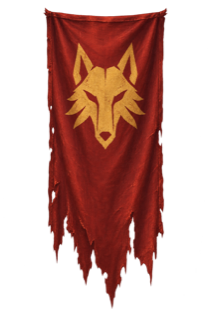
The interface is HTML over the 3D scene, dressed in generated ornament art: carved frames, a gilded crest, parchment and wood. It scales down to a phone.
Key art of the waystation, a gilded title, the progress bar and a line of lore, fading into the vale.

Effects
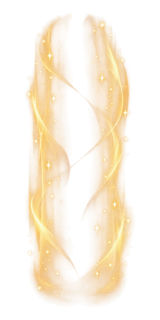
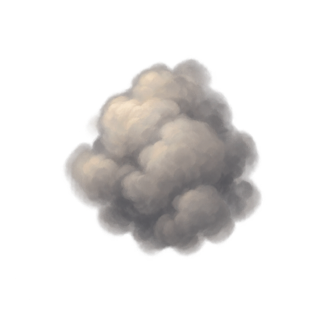
Painted effect sprites: the slash, the claws, sparks, the shockwave ring, the brace shimmer, fire and smoke.


Painted textures
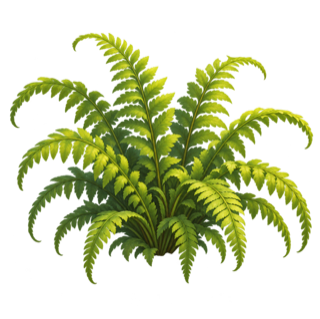
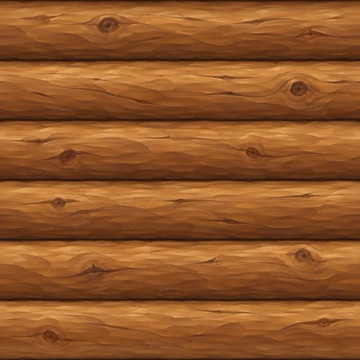
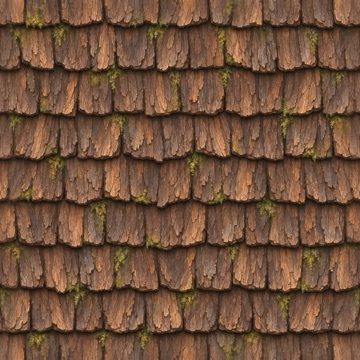
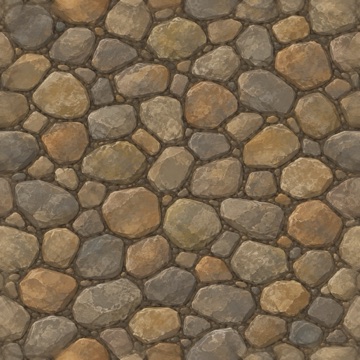
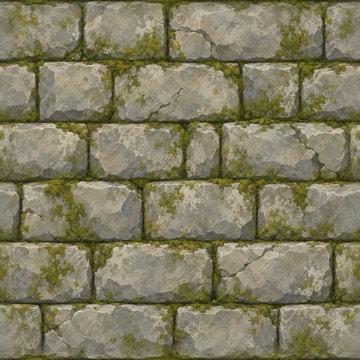
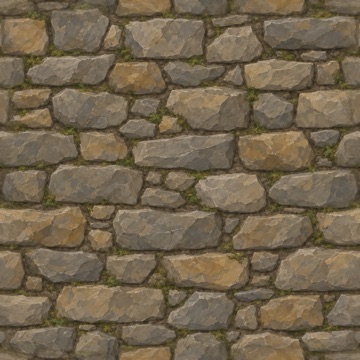
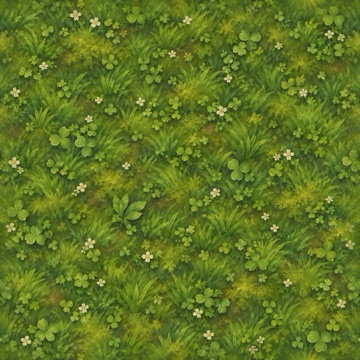
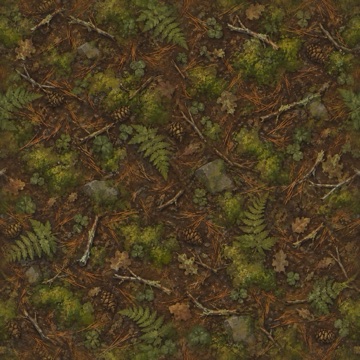
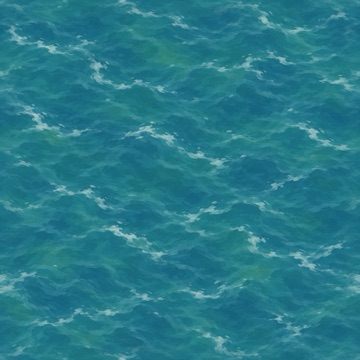
Hand-painted tiling textures for the lodges, the court, the ruin, the ground, the river and the boar.
How it was built
Briarlands is built by one person directing a team of AI agents. Nothing on this page was hand-painted or hand-modelled in the usual sense: every texture, portrait, icon and piece of interface art started as a written prompt, and every 3D model and animation started as a script.
The paintings come from Codex image generation. The environment kit and the boar are built by Python scripts that Codex writes and Blender runs without a window: they model, texture, rig and keyframe each piece and export it for the browser. The characters are procedural bodies built in code, one per race, animated from tables of key poses.
Claude and Codex agents work in parallel lanes, one for art, one for models, one for the scene, one for animation, and hand work to each other through files. Other agents review each pass against a written quality bar, and the game's own test suite runs in a real browser before anything is merged.
These videos were made the same way: capture scripts step the game one frame at a time on the real GPU, so no frame is ever dropped, and ffmpeg encodes the frames.
- 1Write it downPrompts, site plans and animation timings live as text in the repository.
- 2PaintCodex image generation paints textures, sprites, icons, portraits, interface ornaments and key art.
- 3BuildBlender scripts model, rig and animate the kit and the creatures; code sculpts the fifteen races.
- 4AssembleA three.js client puts the vale, the interface and the combat together in the browser.
- 5ReviewAgents grade each pass against the bar, fix what they find, and the browser tests gate every merge.